
 Mod
Your HUD, your keybinds, your setup. The official module pack for Cinnabar.
Free WASM mod for Minecraft Bedrock · Requires Cinnabar
Downloads CinnabarClient.wasmHow to install
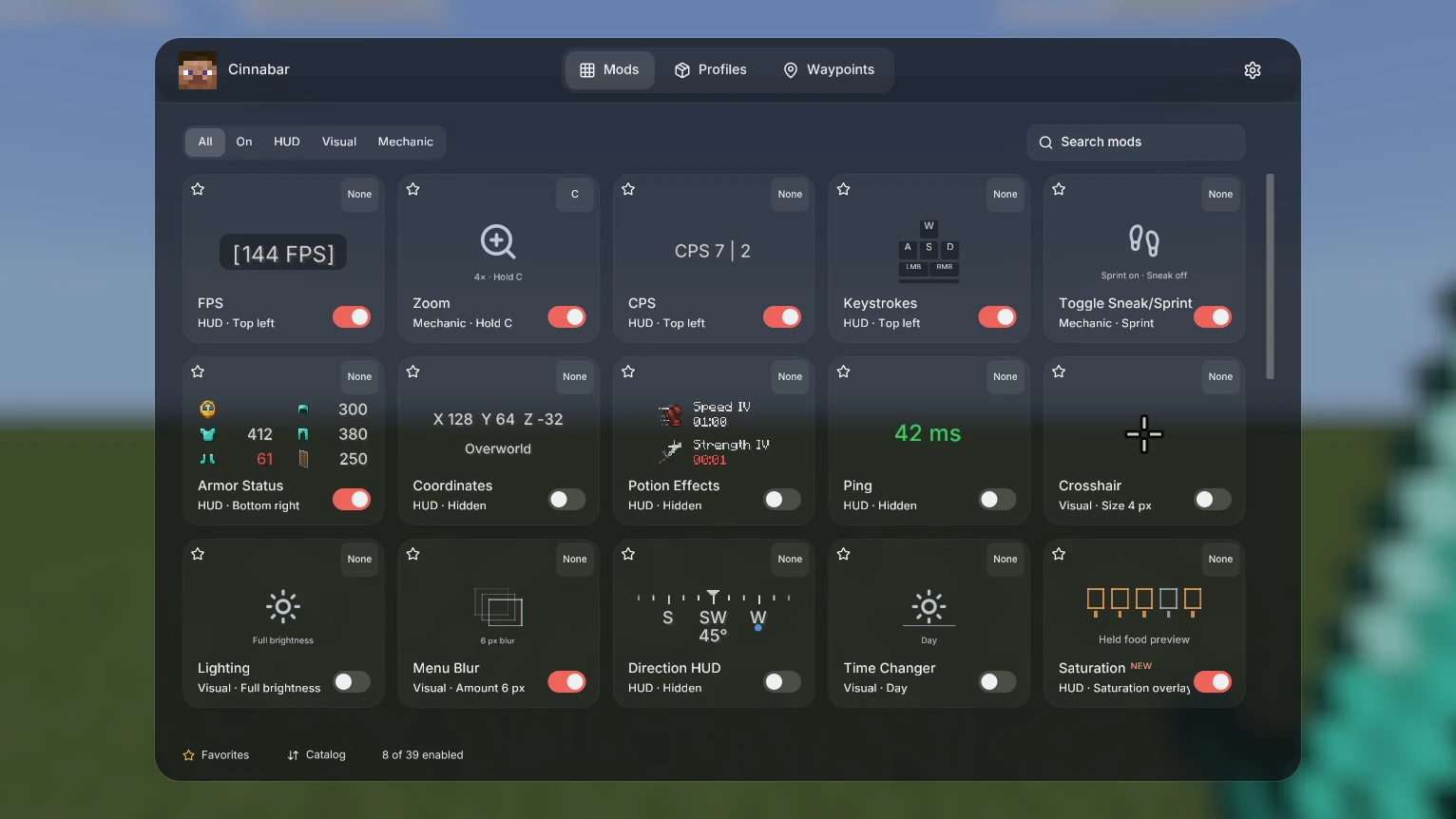
39 modules, ready to switch on
PvP essentials and everyday info. Every module has its own settings and an optional shortcut.
HUD 22
- FPS
- CPS
- Keystrokes
- Armor Status
- Coordinates
- Potion Effects
- Ping
- Direction HUD
- Saturation
- Scoreboard
- Reach Display
- Momentum
- Playtime
- Stopwatch
- Item Counter
- Inventory
- View Angles
- Potion Counter
- Totem Counter
- Speed Meter
- Clock
- Day Counter
Visual 10
- Crosshair
- Lighting
- Menu Blur
- Time Changer
- Hit Color
- Nametags
- Hitbox
- Damage Indicator
- Hurt Cam
- Weather Changer
Mechanic 7
- Zoom
- Toggle Sneak/Sprint
- CPS Limiter
- Inventory Cursor
- No Swing Sounds
- No Cam Reset
- No Item Delay
Tune it, then put it where you want it
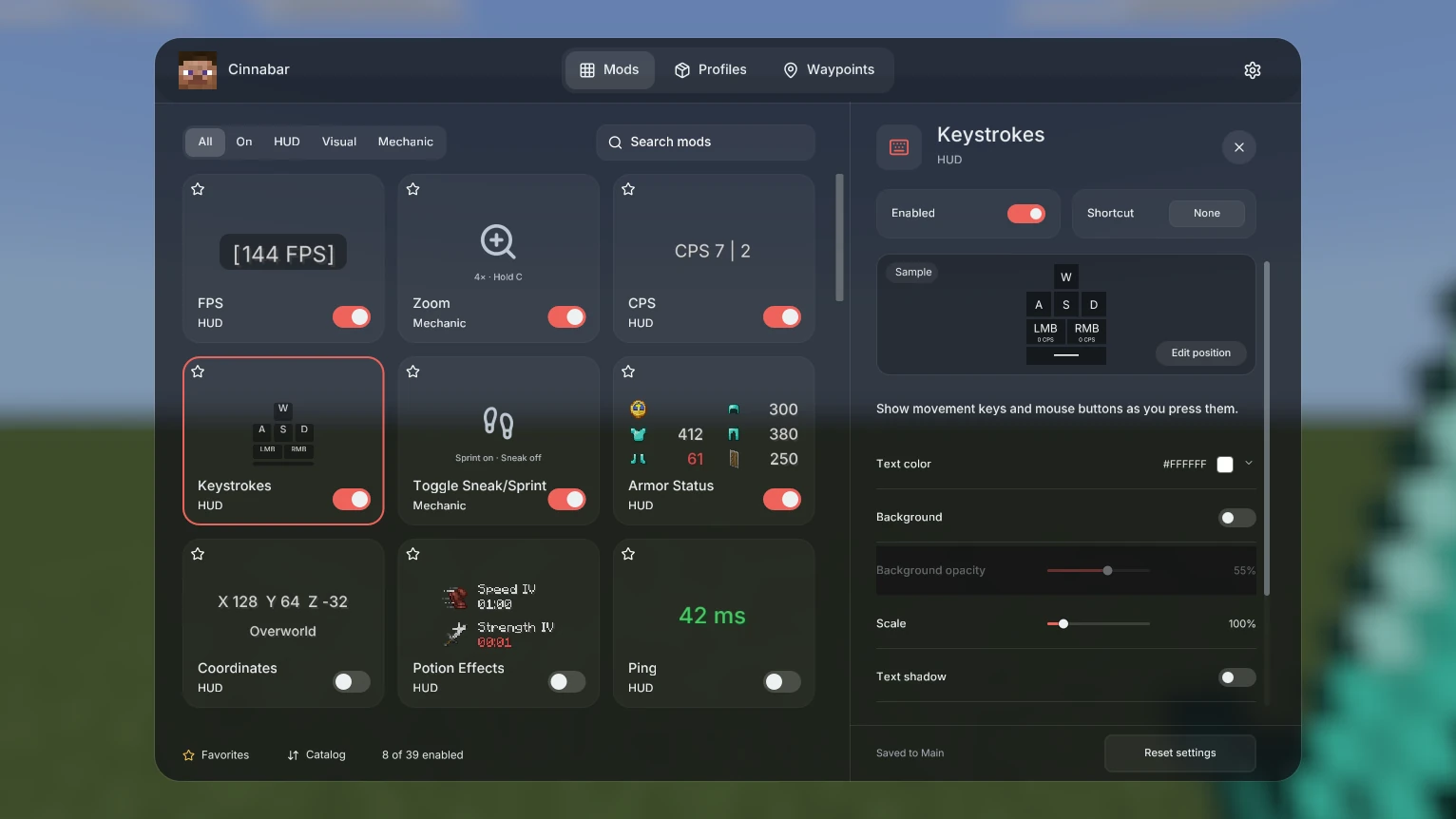
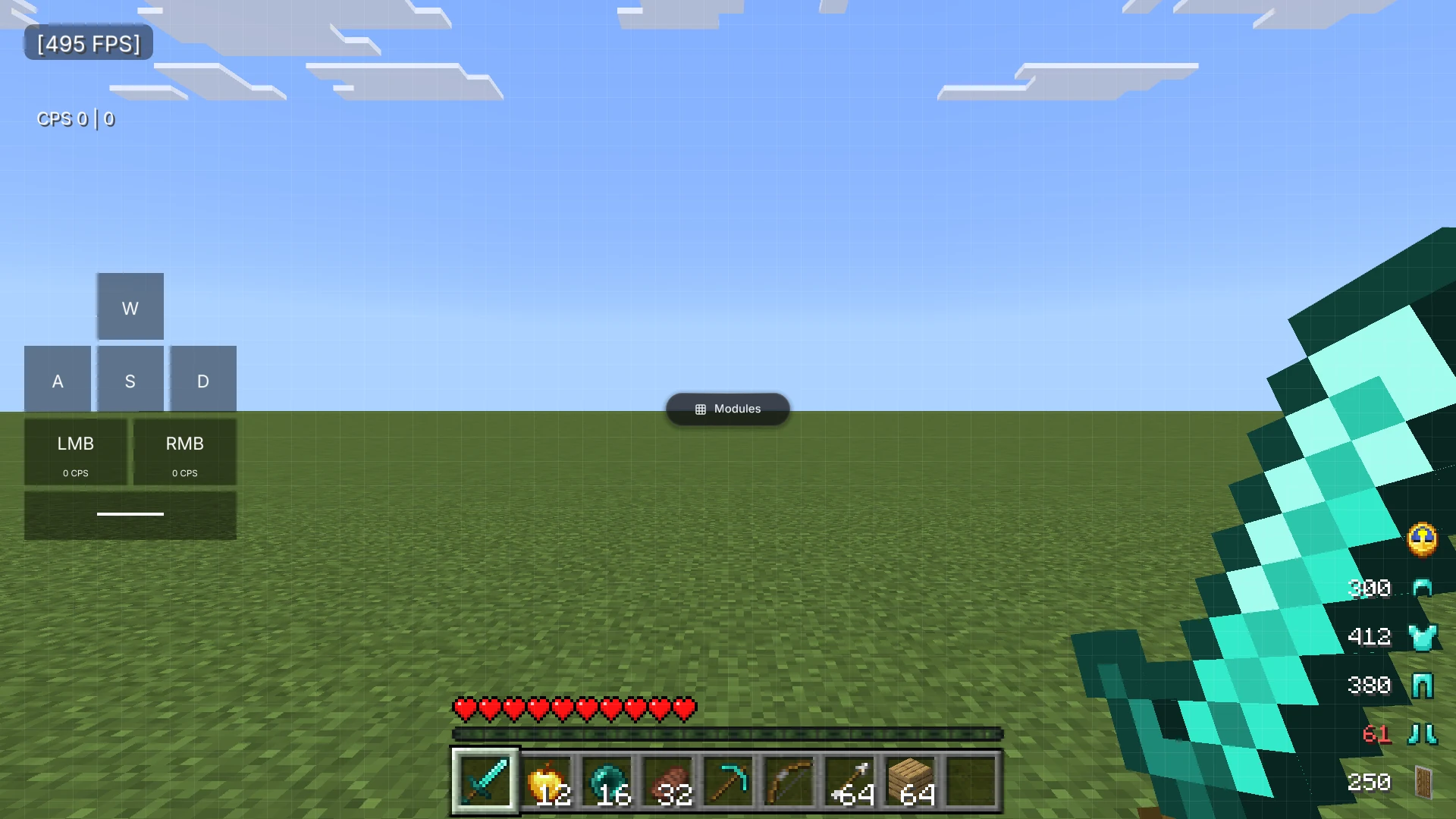
Open any module for its settings and a live sample: color, background, opacity, scale and more. Press Right Shift in game to open HUD Layout, then drag and resize widgets on a snapping grid.
- ProfilesKeep separate modules, shortcuts and layouts for each way you play, and switch between them anytime.
- WaypointsSave places per world so they only show up where they belong.
- Saved as you goEvery edit saves automatically. Undo with Ctrl Z.
Install in three steps
You need an up-to-date copy of Cinnabar first.
Download
Save CinnabarClient.wasm with the button at the top of this page.
Import
In Cinnabar, open Settings → Mods → Import, pick the file and grant the capabilities it asks for.
Play
Join a world and press Right Shift. Choose Modules to start switching things on.
Stuck? Ask in Discord.